Write the premise
Start with one sentence or paste a complete script. Choose the format, duration, and visual direction.
AI CARTOON VIDEO GENERATOR
Write the premise. Build the cast. Direct every scene.
Doitong turns your idea or script into an editable storyboard with characters, shot prompts, dialogue, and a scene-by-scene video plan.
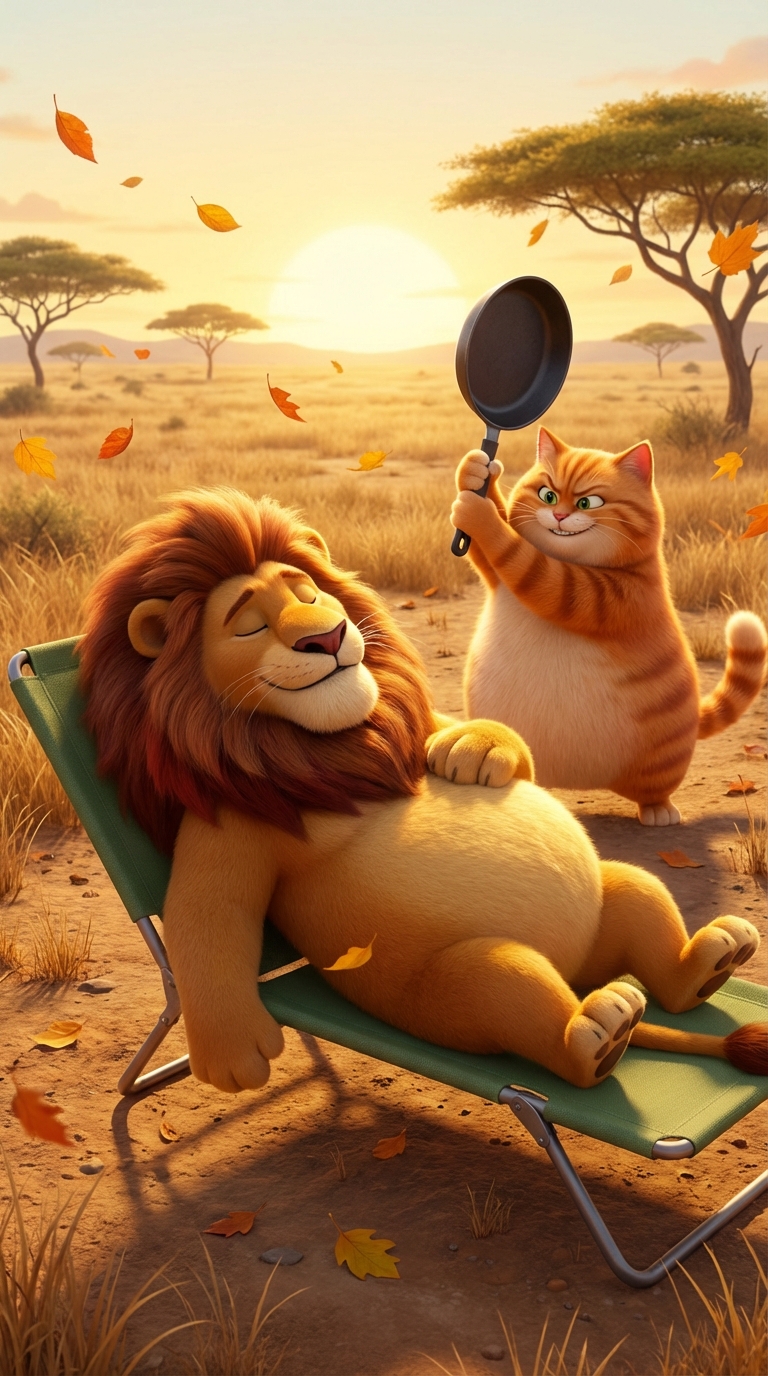 1
1
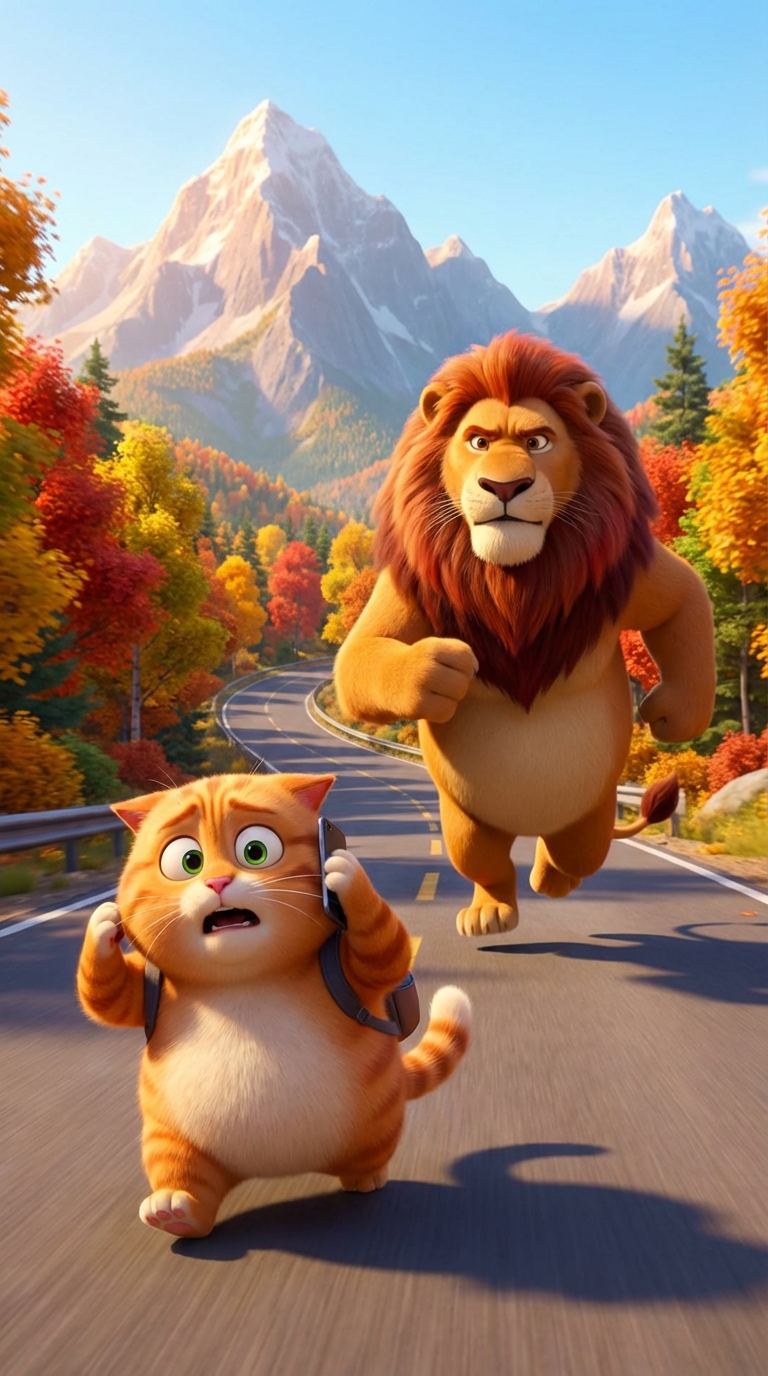 2
2
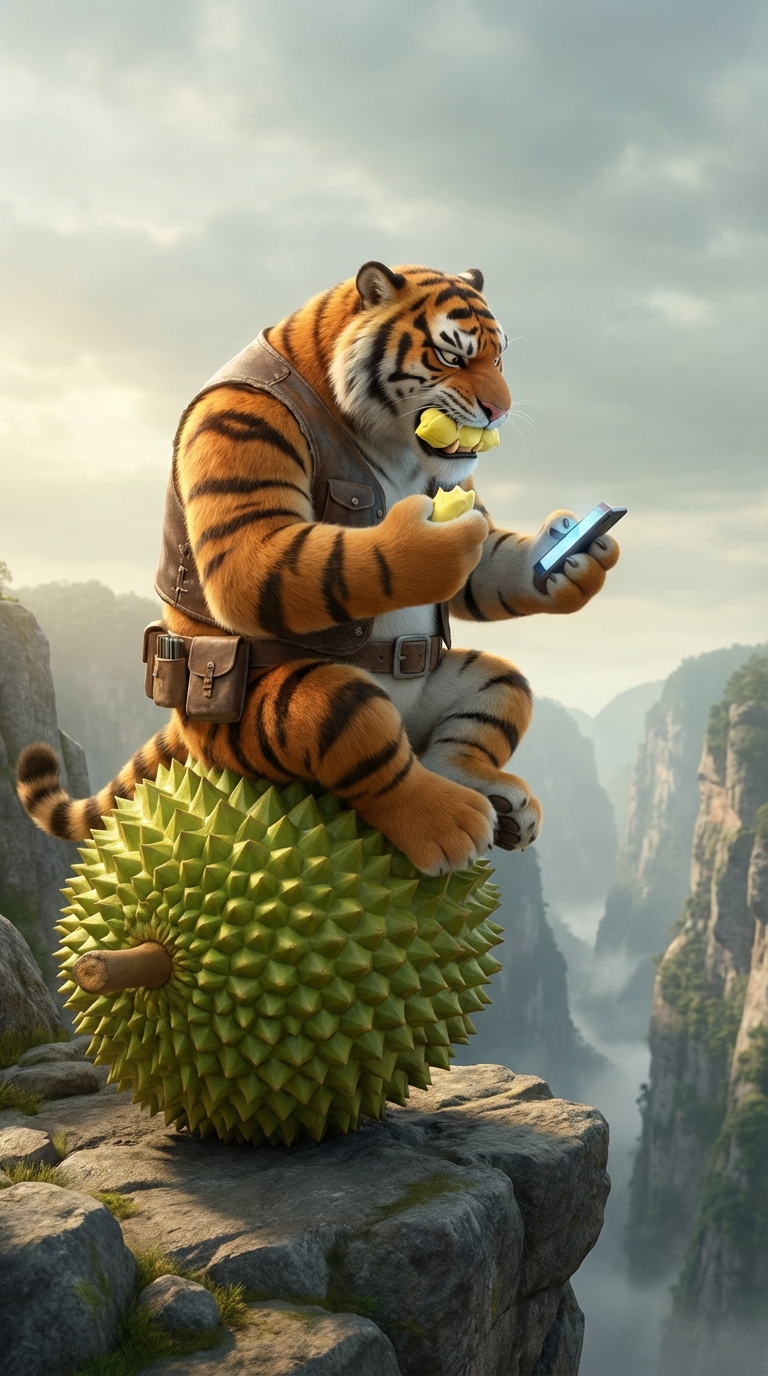 3
3
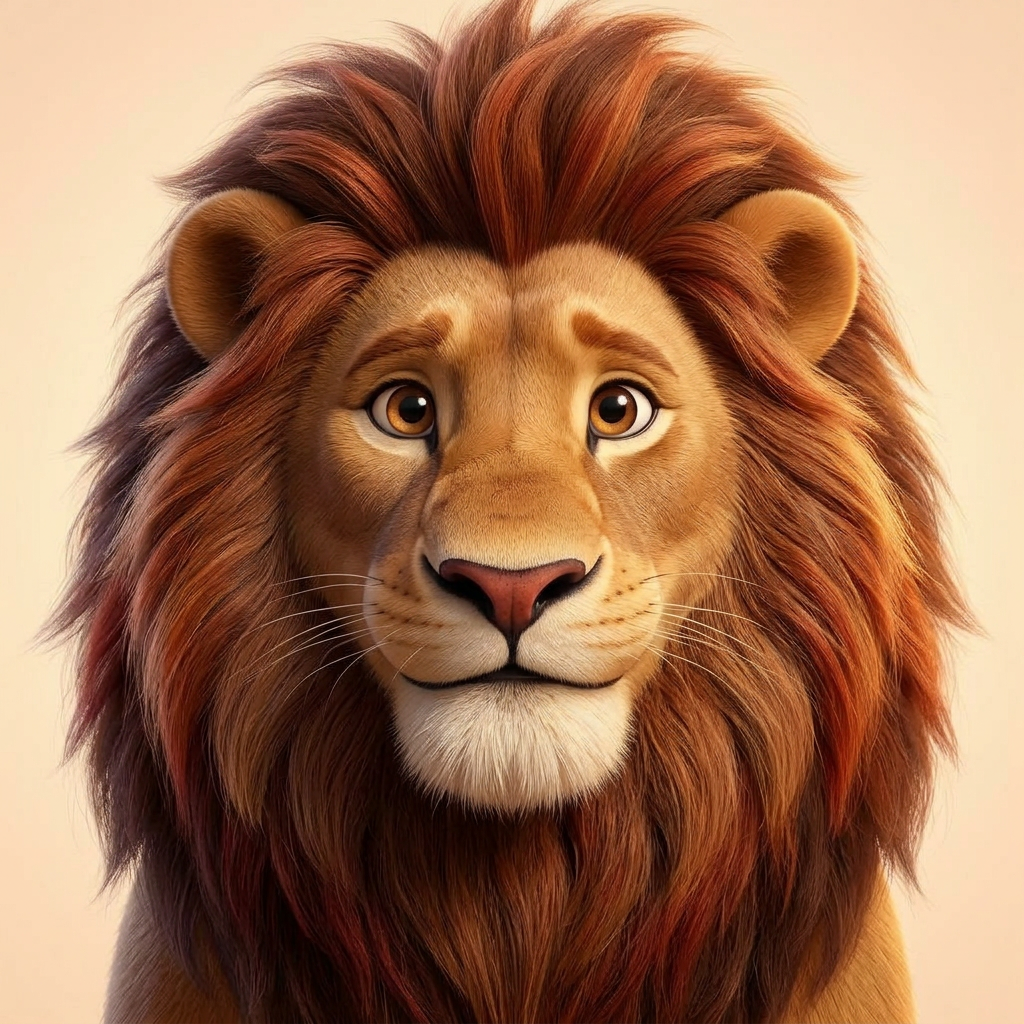

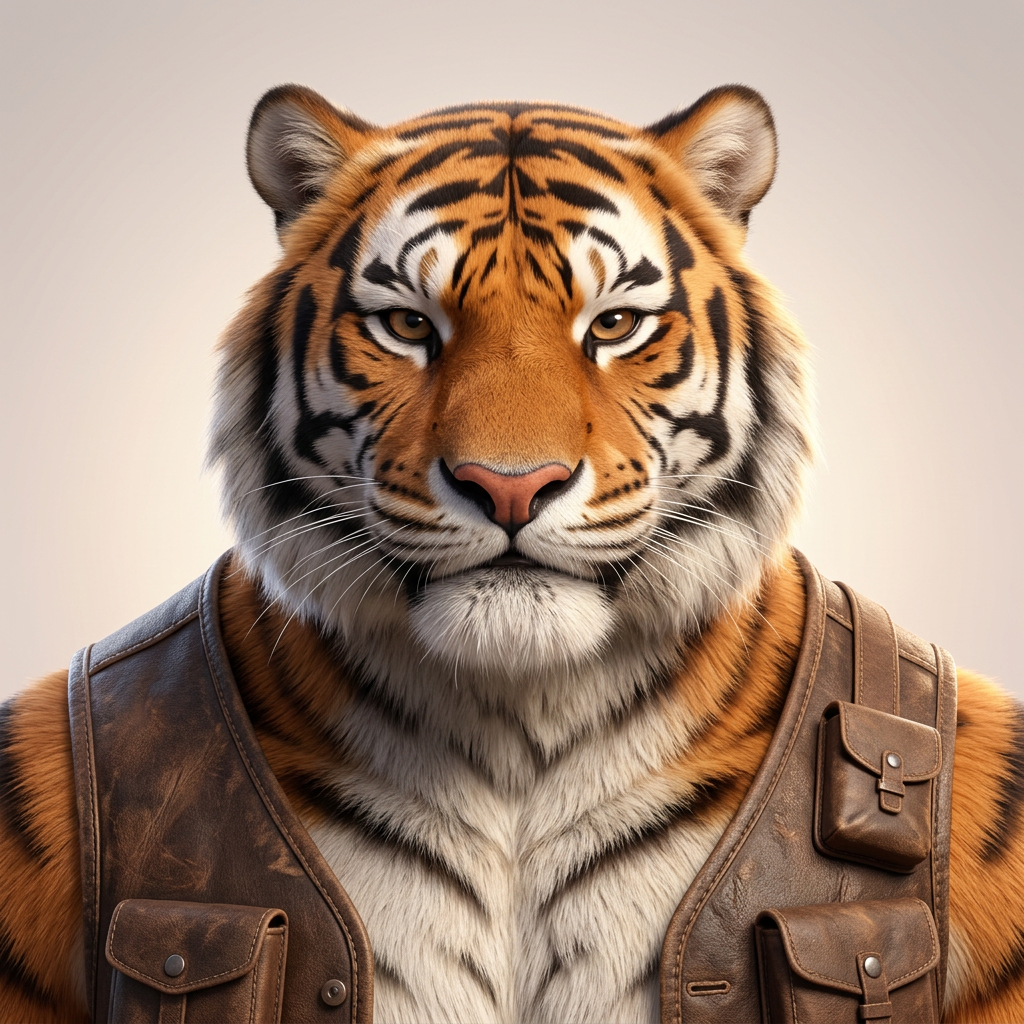
FROM PREMISE TO SCENES
Keep the speed of AI generation without giving up control of the story.
Start with one sentence or paste a complete script. Choose the format, duration, and visual direction.
Edit characters, dialogue, locations, and shot prompts before generating the expensive video clips.
Generate scenes with the model you choose, add narration or dialogue, and assemble the final video.
MADE IN DOITONG STORYBOARD
The storyboard keeps the cast, scene order, dialogue, and generated media together in one production view.
A 16-scene character comedy planned, generated, and assembled as one vertical episode.
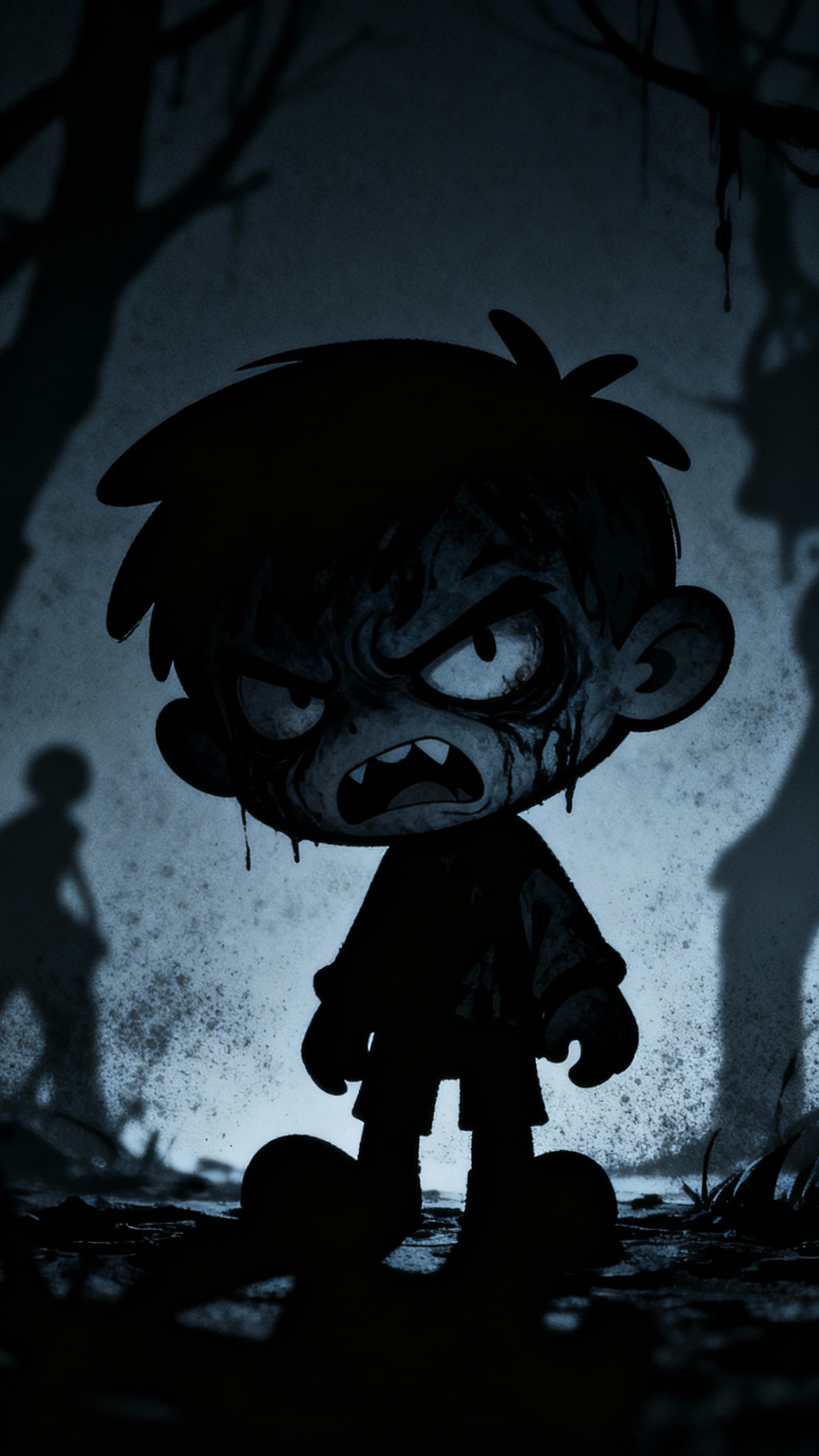
Graphic shadows and dramatic framing for short horror stories.
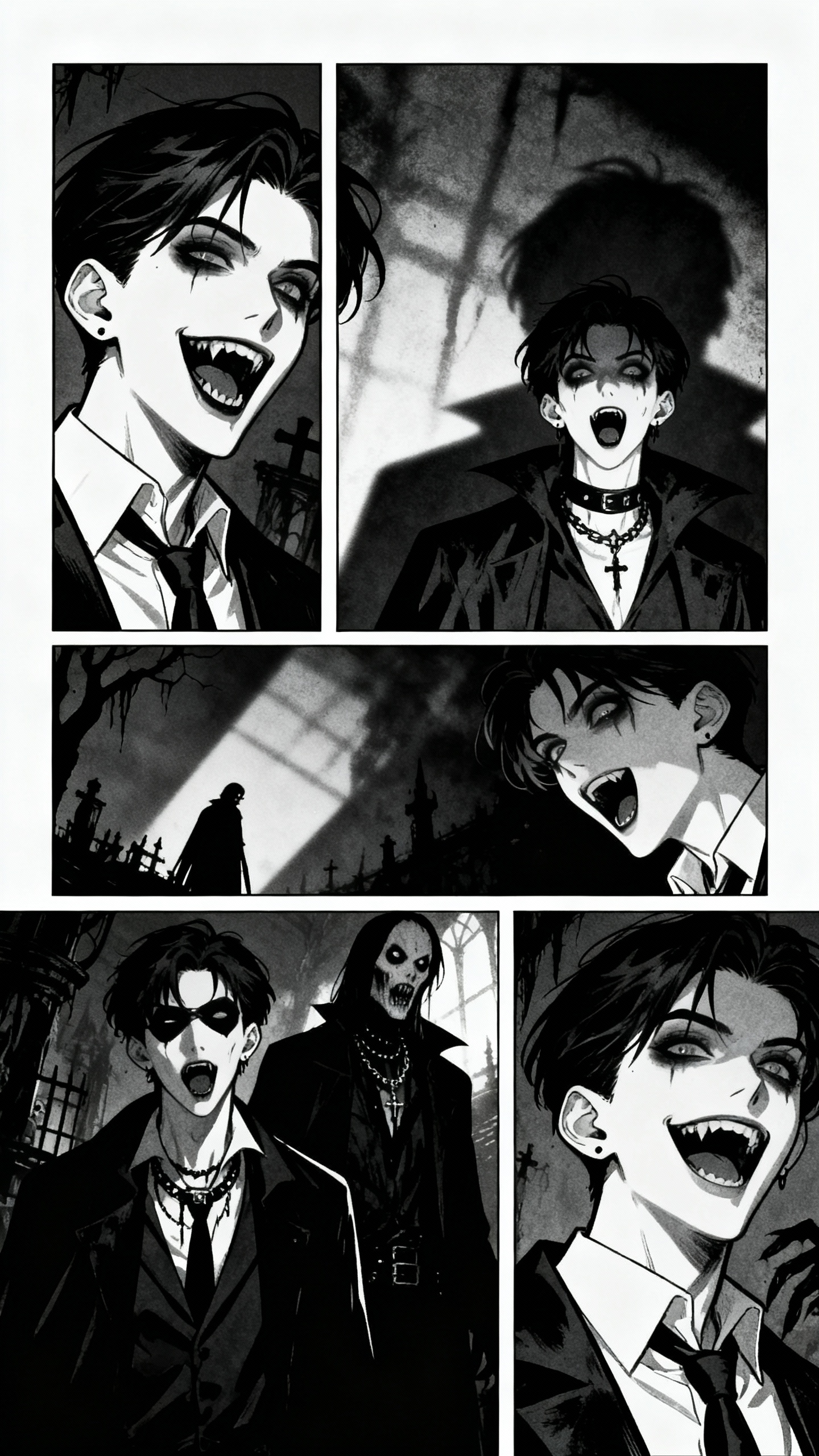
Illustrated panels, bold outlines, and a serialized story rhythm.
YOUR STORY, YOUR CHOICES
A cartoon is more than a single generated clip. Doitong keeps the creative decisions editable at scene level.
Attach saved character images to the scenes where they appear and review continuity before rendering the full sequence.
Adjust framing, camera movement, lighting, action, and duration for individual scenes.
Write voice lines per scene, choose narration, and keep the audio plan next to the visual storyboard.
Plan a vertical social episode or a landscape story without rebuilding the narrative from scratch.
WHAT YOU CAN MAKE
Turn a small premise into a complete character-led episode for Shorts, Reels, or TikTok.
Keep a reusable cast and visual direction while developing a sequence of new episodes.
Adapt a birthday, family memory, or original tale into a scene-by-scene animated story.
You can start with one premise. Doitong expands it into a script and storyboard that you can review, then you generate the video scene by scene and assemble the final episode.
Yes. Paste a complete script or detailed brief, then review how it is divided into scenes, dialogue, characters, and shot prompts.
You can save character reference images and attach them to the scenes where those characters appear. Visual continuity still depends on the selected model and source references, so review the storyboard and early renders before producing every scene.
No. The storyboard presents the production as editable scenes. You can change the text, references, framing, duration, and generated media without using a traditional animation timeline.
Yes. Add dialogue or narration to individual scenes and keep the voice plan together with the visual storyboard.
Yes. Choose the aspect ratio for the destination, whether you are planning a vertical social episode or a landscape story.
Turn the premise into a cast, a script, and an editable scene plan.
Create a cartoon storyboard Open Doitong Storyboard and review the plan before rendering.