Image - 2026-09-09 18:55
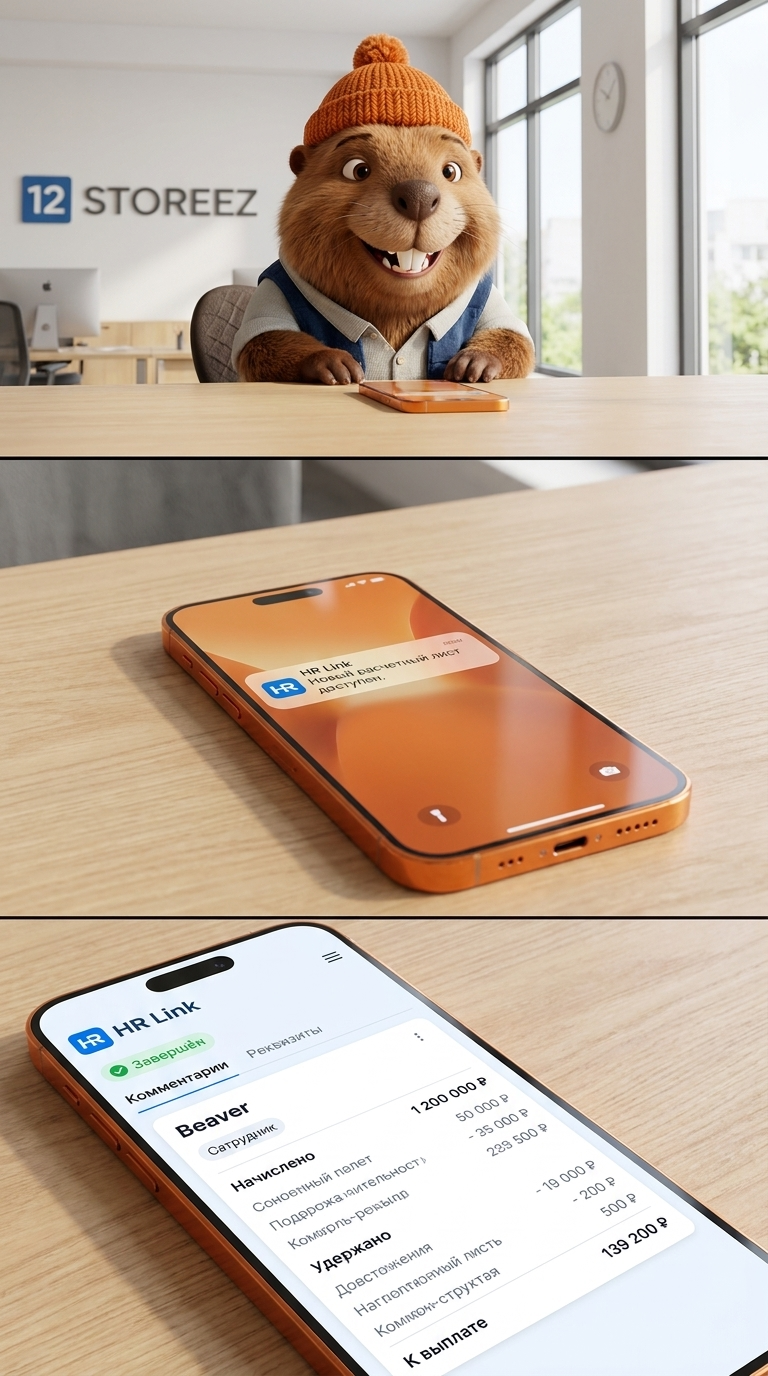
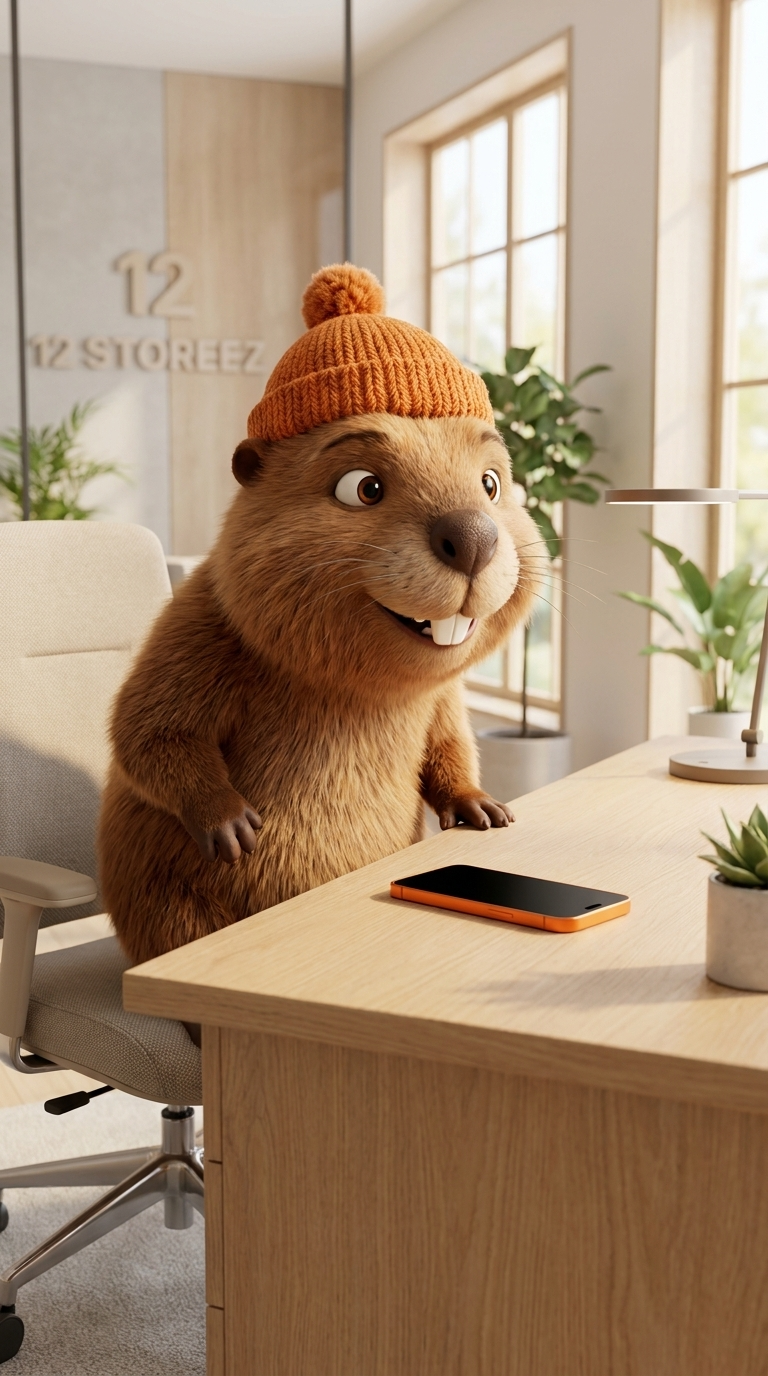
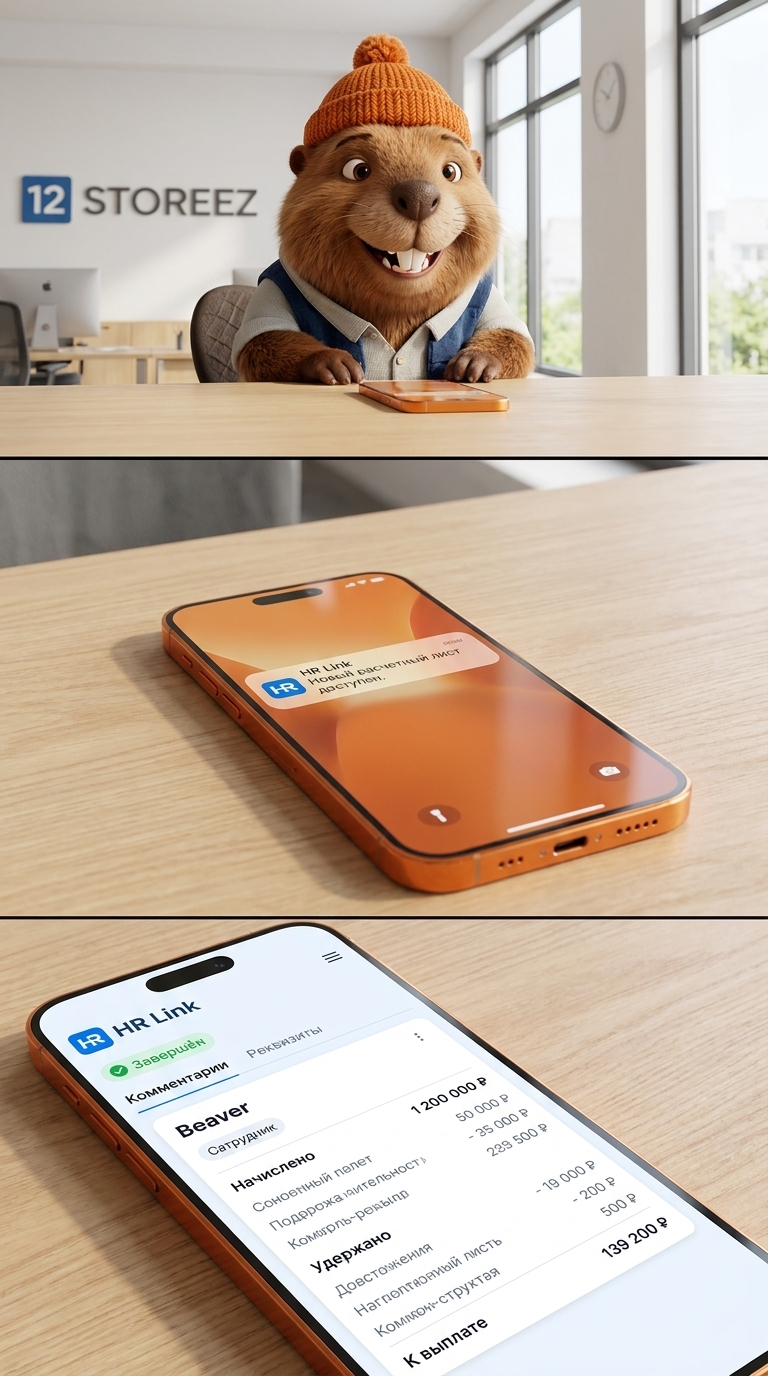
Art style: 3D Anthro. Create Scene 4 as a seamless continuation of Scene 3. This scene must begin from the EXACT SAME office, desk, character and visual style established in the previous scenes. CHARACTER CONTINUITY — ABSOLUTE PRIORITY: Use the EXACT SAME anthropomorphic beaver character from all previous scenes. Preserve exactly: - warm brown fluffy fur - detailed individual fur texture - lighter beige muzzle and cheeks - large expressive brown eyes - small rounded ears - large dark brown nose - two distinctive large front teeth - identical facial proportions - identical body proportions - EXACT SAME orange knitted beanie with the same knitted texture and pom-pom - EXACT SAME clothing and accessories Do not redesign the beaver. Do not create a different beaver. Do not change his face, fur, eyes, nose, ears, teeth, proportions, clothing or hat. The beaver must remain visually identical to the previous scenes. OFFICE CONTINUITY: The scene takes place in the EXACT SAME bright modern office. Keep the same light natural oak wood, warm beige and cream palette, minimalist contemporary furniture, plants, large windows and soft natural daylight. Keep the same light wooden desk from Scene 3. Keep the same office chair. Keep the same “12 STOREEZ” logo in the background, written exactly as: 12 STOREEZ There must NOT be a separate large “12” above the logo. PHONE: On the desk is the EXACT SAME orange premium iPhone Pro Max established in Scene 3. The phone has a realistic orange metallic finish and modern premium design. The phone is lying naturally on the light wooden desk. SCENE ACTION: The beaver has just sat down at his desk. The camera begins with the beaver partially visible in the background and the orange iPhone clearly visible in the foreground. The visual focus gradually shifts from the beaver to the phone. The phone becomes the main focus of the frame. The iPhone screen lights up because of an incoming notification from the HR Link application. The notification is visible on the phone screen. The notification must clearly indicate that it comes from the HR Link application. The HR Link interface should use the same recognizable visual identity as the provided reference: clean white interface, blue HR Link logo, minimalist professional design. PHONE SCREEN — NOTIFICATION: Show a realistic iOS-style notification from HR Link. Keep the notification clean and minimal. The notification should indicate that a new payroll document / payslip is available. Do not add unrelated notifications. Do not show multiple notification banners. The notification should be clearly associated with the employee's payslip. APP INTERFACE: After the notification is opened, the screen transitions to the HR Link document interface shown in the reference image. The interface has: - white background - blue HR Link logo at the top left - clean modern navigation - green “Завершён” status label - “Комментарии” section - download icon - “Реквизиты” section - employee information - payroll document / payslip below All interface text should be in Russian except the HR Link brand name. EMPLOYEE NAME: Where the reference document shows the real employee's name, replace it completely with: Beaver Use ONLY the English word “Beaver” as the employee name. Do not use any real person's name. PAYSLIP: The opened document should clearly look like a Russian payroll calculation sheet / payslip. Preserve the overall visual structure of the reference: document title, employee information, salary information, calculation table, accrued amounts, withheld amounts, paid amount, and electronic signature section. Use fictional, generic payroll values rather than reproducing real personal financial information. CAMERA: Begin with a medium shot similar to the ending of Scene 3. Then transition into a smooth slow push-in toward the orange iPhone. The phone gradually fills the frame. End on a close-up of the iPhone screen. The screen must be sharp and readable. The transition should feel continuous and cinematic, as if the camera naturally moves from the beaver sitting at the desk toward the phone. LIGHTING: Exactly the same lighting as Scene 3. Soft natural daylight. Warm neutral highlights. Soft realistic shadows. Same exposure. Same color temperature. Same cinematic color grading. STYLE: High-quality cinematic 3D animated film. Realistic detailed fur. Premium modern office. Photorealistic smartphone screen. Clean realistic mobile interface. Natural materials. Soft cinematic depth of field. CONTINUITY — HIGHEST PRIORITY: Same beaver. Same face. Same fur. Same orange knitted beanie. Same clothing. Same office. Same desk. Same phone. Same lighting. Same visual style. No new location. No new character. No different beaver. No separate “12” logo. No duplicate logo. No real employee name. No real personal financial information. No watermark. ━━━━━━━━━━━━━━━━━━━━━━━━━━━━━━━━━━━━━━ FINAL STYLE ENFORCEMENT (this is the authoritative rendering directive — it overrides any style wording elsewhere in the prompt): Render this image in the following art style: A high-quality 3D animated cinematic shot featuring anthropomorphic characters. The style is reminiscent of premium 3D animation studios like Pixar, Dreamworks, or Illumination. Expressive human-like features, anatomy, and emotions, combined with hyper-realistic textures of their natural materials and fabrics. Dramatic cinematic lighting, beautiful rim light, soft shadows, deep rich colors, shallow depth of field, 8k resolution, octane render, Unreal Engine 5 style, masterpiece. Every surface, skin, fabric, material, and environmental element must be rendered in this idiom.
Free to start · Generate videos and images with AI in seconds
More from this creator

More Kie.ai images
См. все →